 Add Row
  Add
Add 


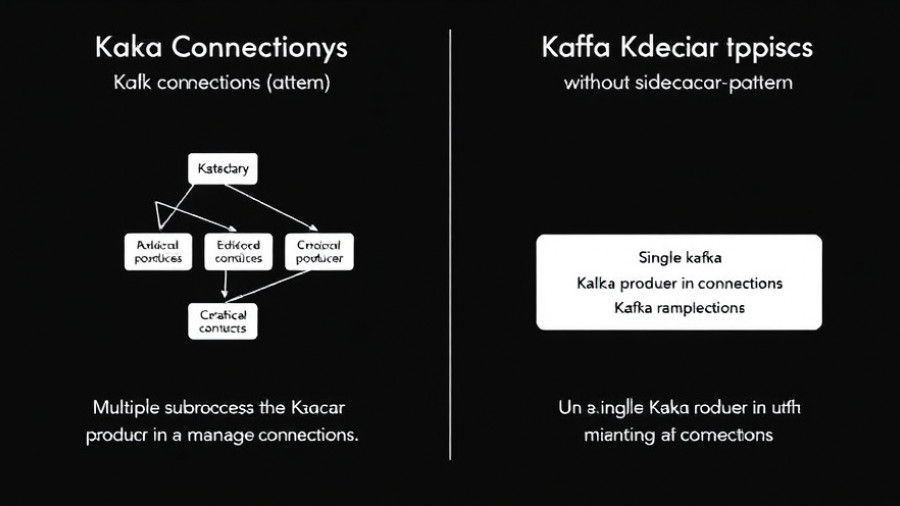
Understanding the Sidecar Pattern: A Modern Solution for Kafka Connections
As the world becomes more interconnected through technologies like Apache Kafka, optimizing connections and communications between microservices has become crucial for organizations looking to scale their operations effectively. One innovative solution that has gained traction is the sidecar pattern, which reduces Kafka connections by an astounding 10x.
The Role of the Sidecar Pattern
The sidecar pattern acts as a companion to a specific service, encapsulating the necessary functionality needed for the service to communicate effectively with external systems. This separation allows for cleaner architecture and efficient management of service dependencies. By implementing this pattern, organizations reduce the number of direct connections to Kafka, leading to increased performance and scalability of their applications.
Challenges of Legacy Connections
Legacy architectures often face challenges such as high connection counts, which can lead to overwhelming load on Kafka brokers. In addition, with traditional point-to-point connections, any updates or changes require substantial effort as each service must be directly integrated with Kafka. This constrains the ability to adapt quickly to changing business needs.
The Benefits of Using the Sidecar Pattern
The sidecar pattern not only simplifies connections but enhances the overall resilience of a microservices architecture. Each sidecar can handle connection pooling, retries, and protocol translation, which streamlines interactions. Moreover, it decouples service implementations from direct dependencies on messaging technologies, thus making services more agile and maintainable.
Complementary Patterns for Success: Strangler and Outbox Patterns
Notably, the sidecar pattern works well within the broader context of application modernization patterns, such as the strangler pattern and outbox pattern. The strangler pattern allows legacy applications to gradually transition to new architectures without significant downtime or risk. This method can complement the sidecar approach by easing migration while managing connections effectively.
Meanwhile, the outbox pattern, which ensures reliable message distribution, can be enhanced by the sidecar. With a robust infrastructure in place, developers can implement reliable message delivery using changelog analysis that notifies Kafka of updates made within a service.
The Future of Kafka Connections: Trends and Predictions
As organizations continue to modernize their application landscapes, the importance of efficient and scalable communication methods will only grow. Innovations such as the sidecar pattern will play a critical role in supporting business agility and responsiveness to market changes. Furthermore, integrating advanced data tooling, such as Debezium for change-data capture, can amplify this efficiency, minimizing operational costs and maximizing throughput.
Final Thoughts: Adapting to a New Era
For marketing professionals and technologists alike, understanding and leveraging these modern architectural patterns will provide a competitive edge in navigating an increasingly complex digital landscape. The sidecar pattern, in particular, exemplifies how thoughtful design is paramount to evolving business needs.


Write A Comment